
Restore Old Photos Online
Restore old photos with AI — repair fading, scratches, stains, and tears on scanned family prints in seconds. Try your first restore free, no editing skills needed.
Try It Yourself
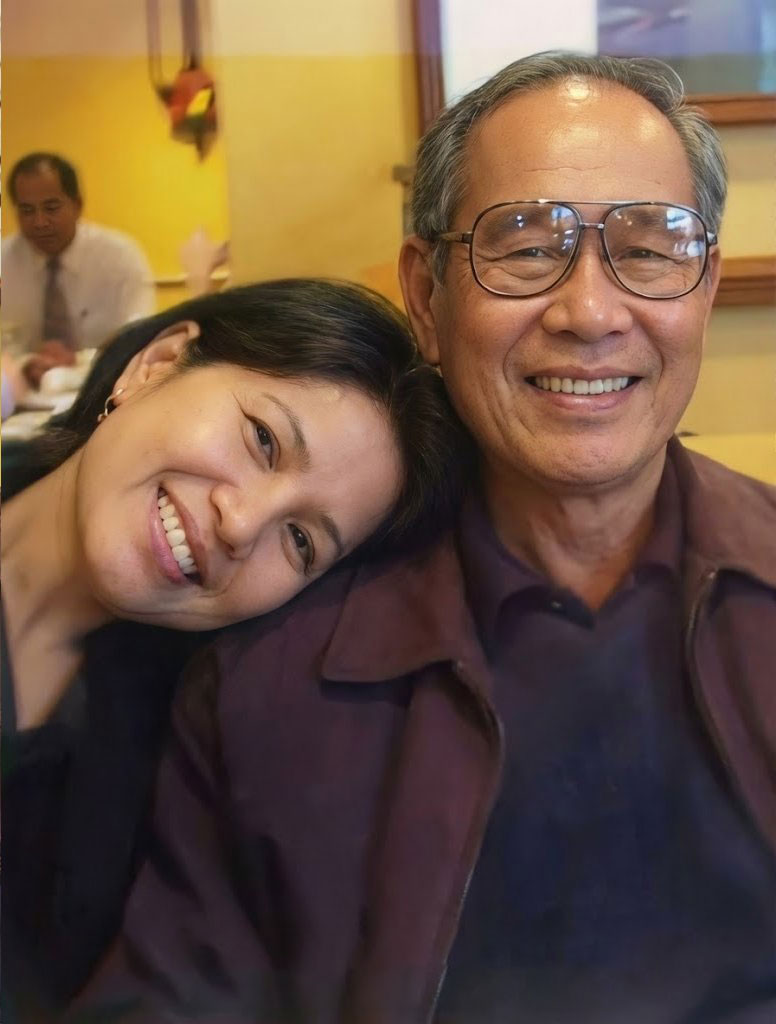
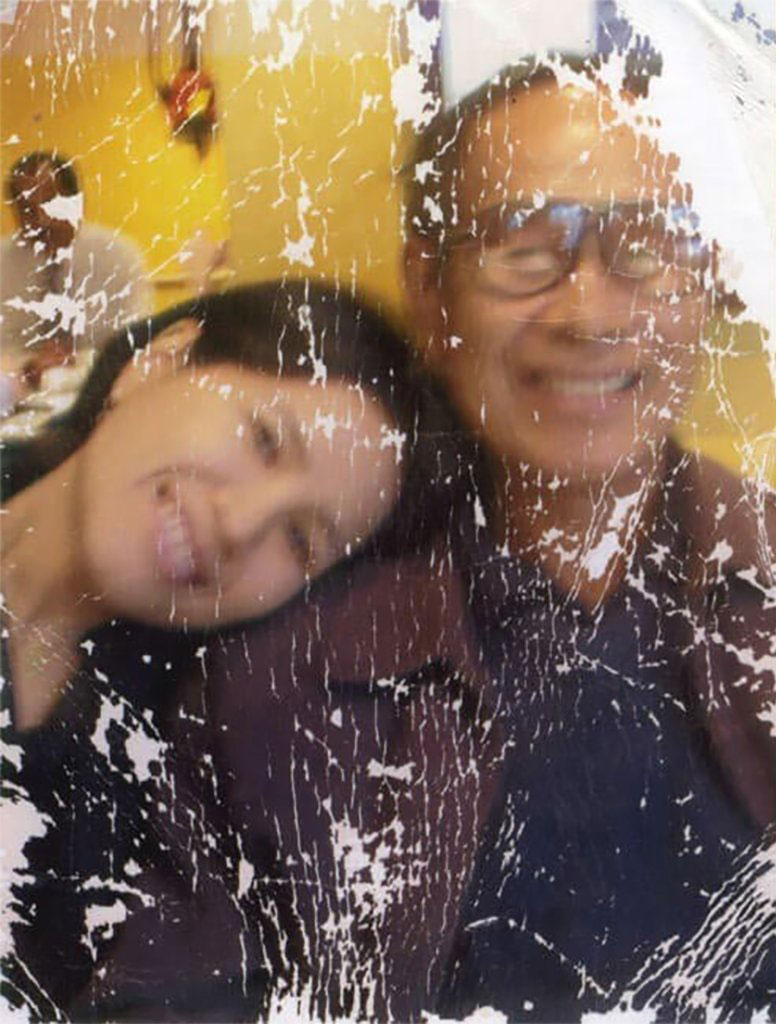
👆 Drag the slider to compare before and after
See How Our Restore Old Photos Tool Works
Compare before and after examples to see how our restore old photos AI repairs fading, scratches, stains, and damage so your memory pictures look more complete and easier to preserve.
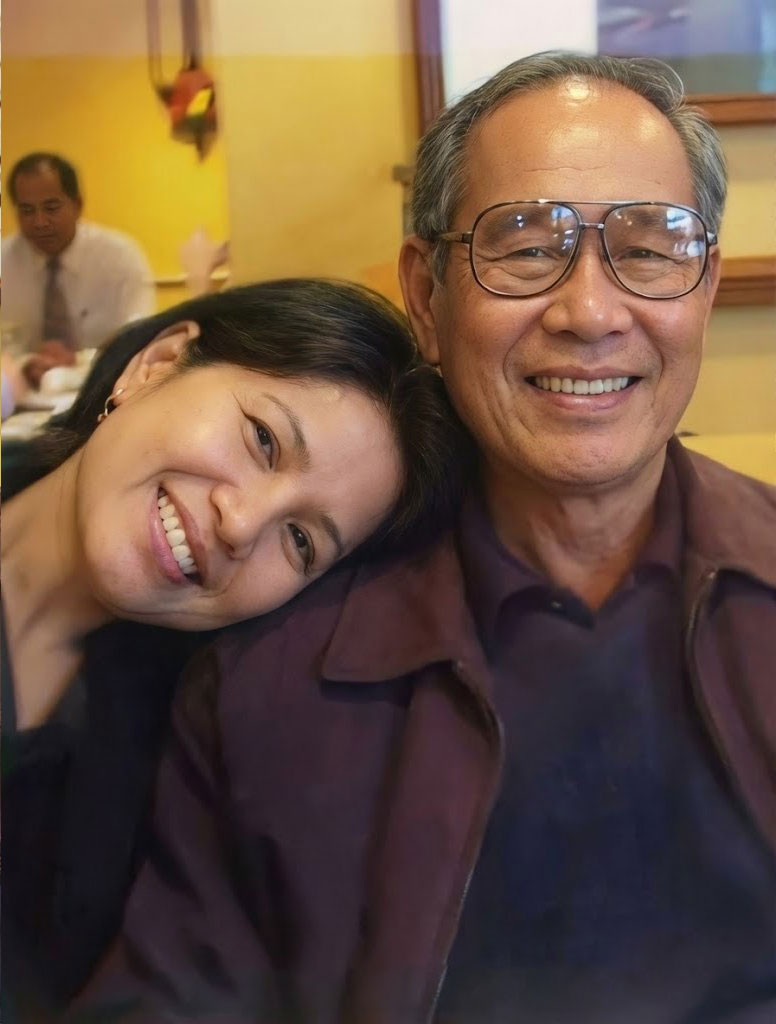
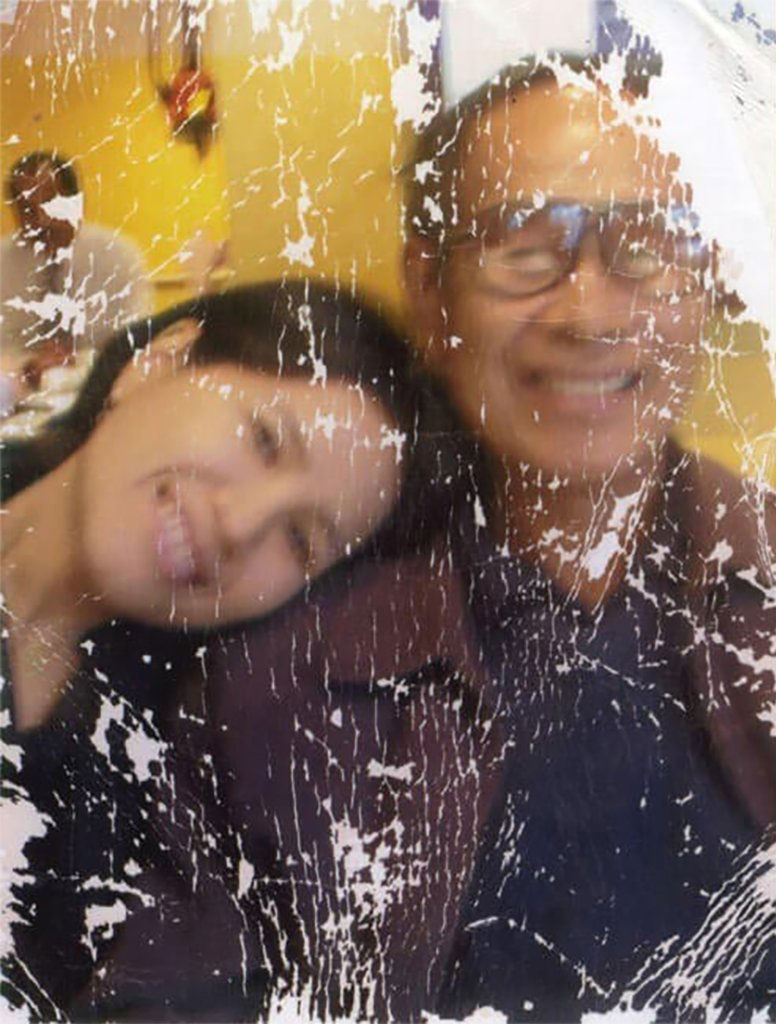
Restore Old Photos with AI — See the Difference
Want to bring your treasured memories back to life? Our restore old photos tool fixes everything from blurriness and faded colors to scratches and damage. The AI automatically boosts sharpness, improves color, and enhances overall quality. Just upload your picture and let the AI work its magic to revive your old images.
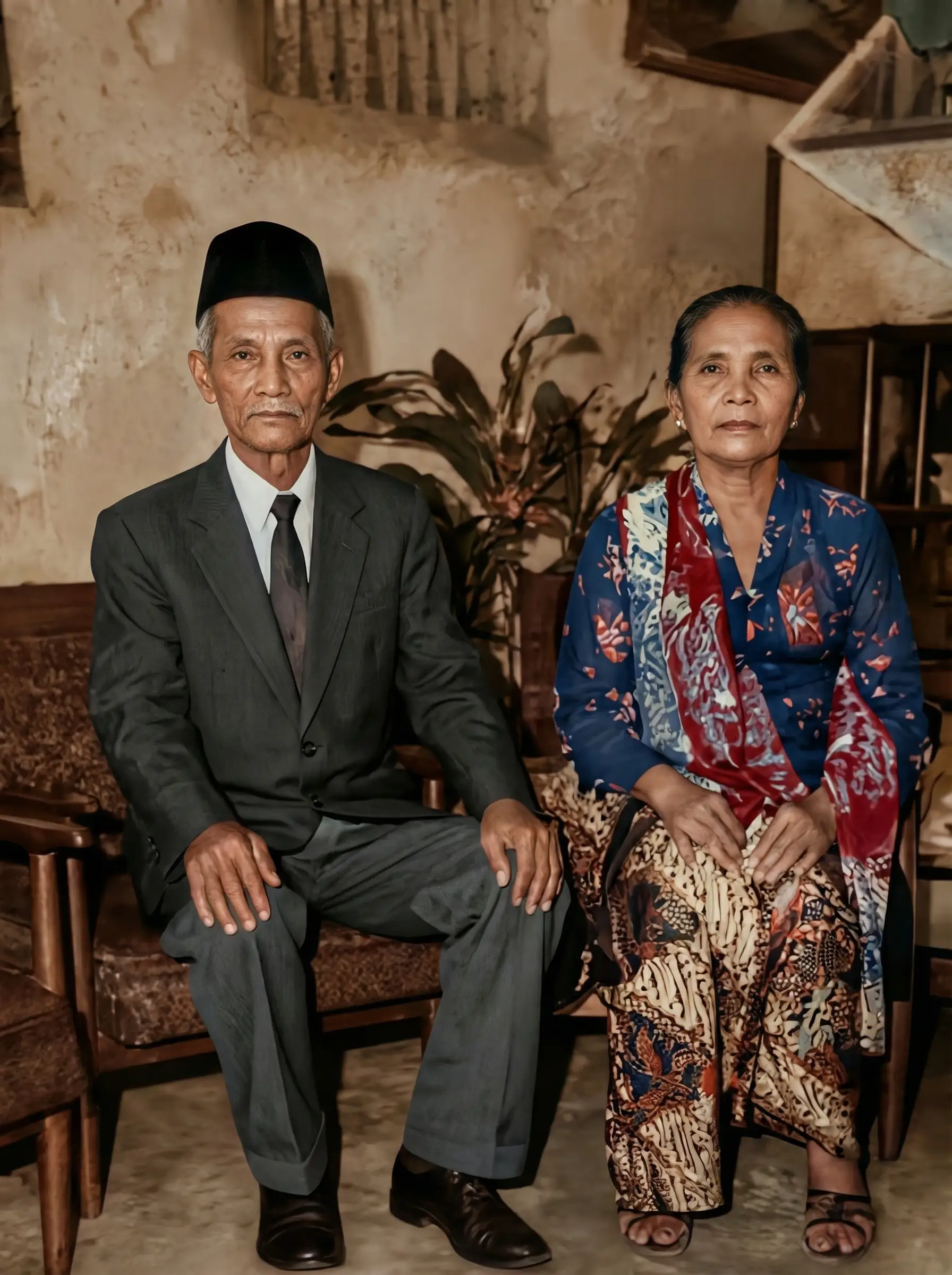
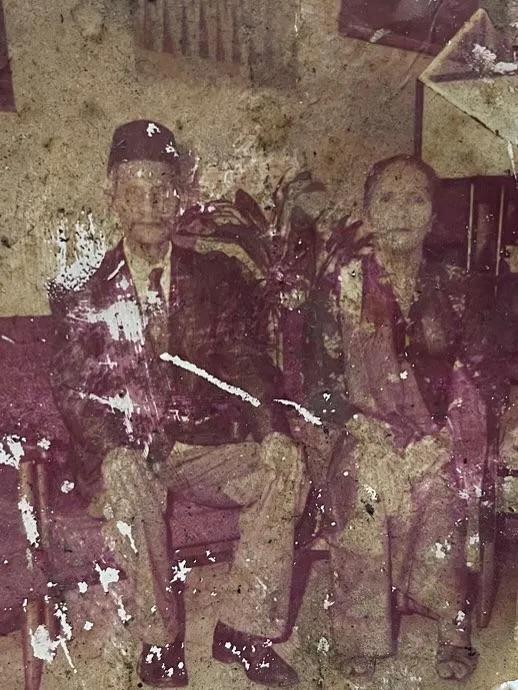
Restore Old Photos from Family Albums
With our restore old photos tool, you can transform aged or damaged images into fresh, vivid photos in just moments. Even without any editing experience, AI automatically enhances quality — sharpening details, correcting colors, and giving your memories new life.
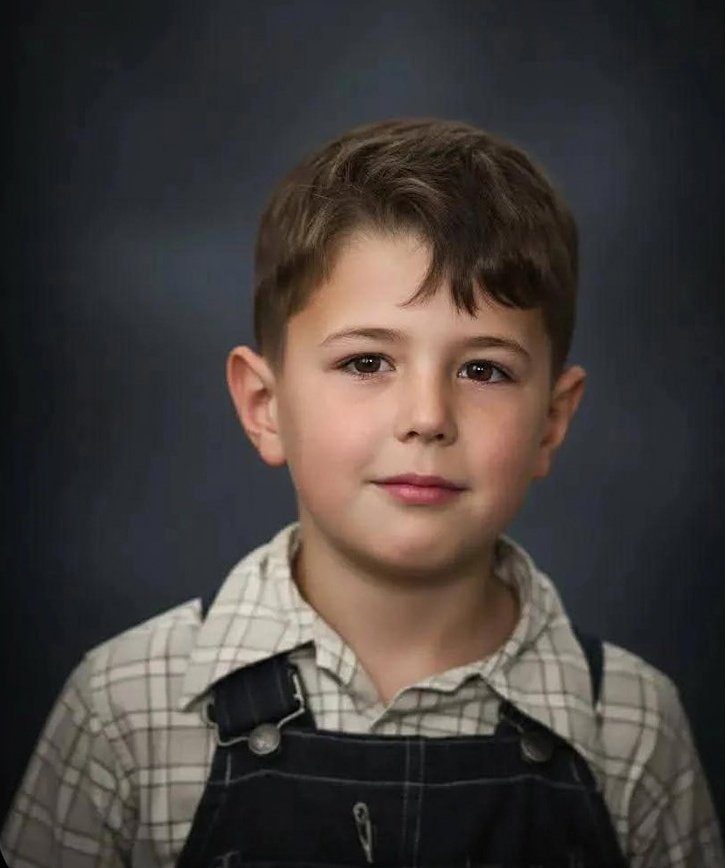
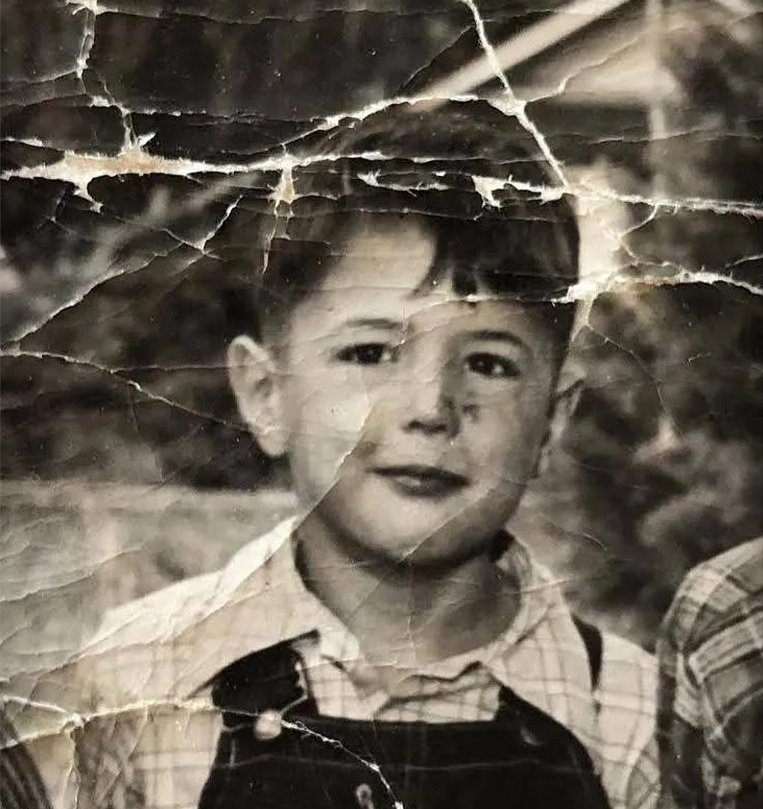
Restore Old Photos with Scratches and Creases
Restore old photos that have scratches, crease marks, stains, paper wear, and other age-related damage. Our AI handles the hard work — turning blurry, pixelated pictures into high-resolution images and bringing even the smallest details back to life.
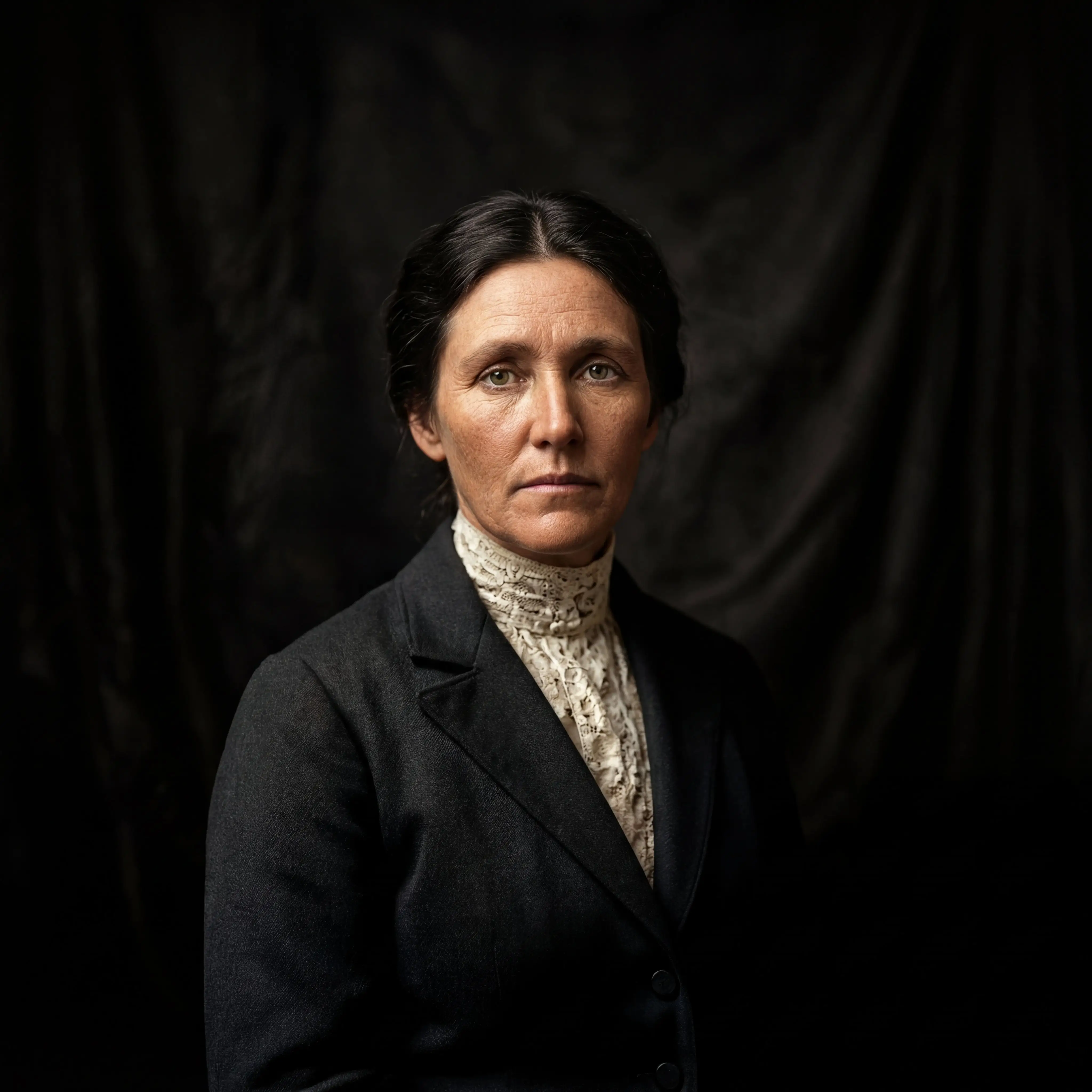
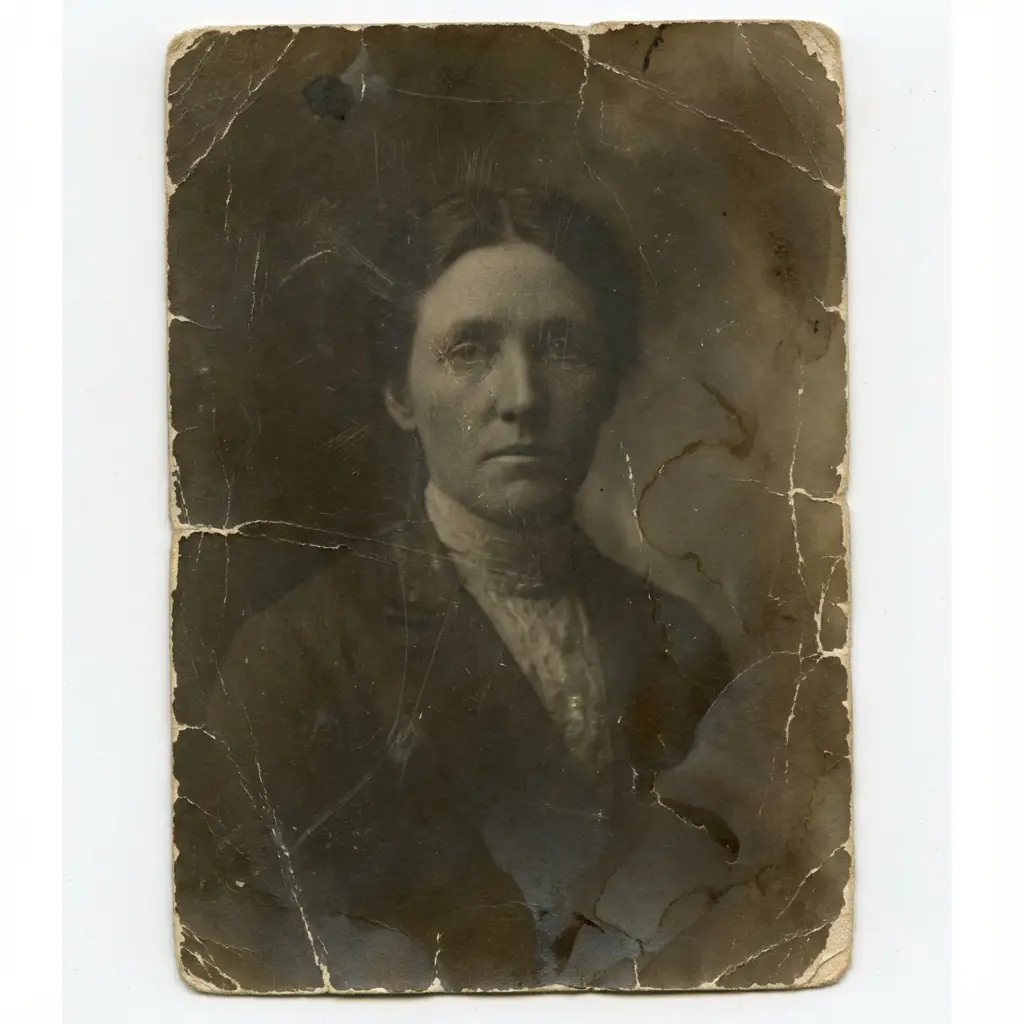
Restore Old Photos for Archiving and Sharing
Revive faded prints, damaged photos, or low-resolution scans with ease. Our restore old photos tool enhances details, corrects discoloration, and removes scratches or creases automatically. Ideal for digitizing old albums or preserving vintage memories in just seconds.
What Does It Mean to Restore Old Photos?
Restore old photos with AI — repair visible damage, reduce fading, clean up scratches and stains, and make aged family pictures look more complete and easier to preserve over time.
What It Means to Restore Old Photos
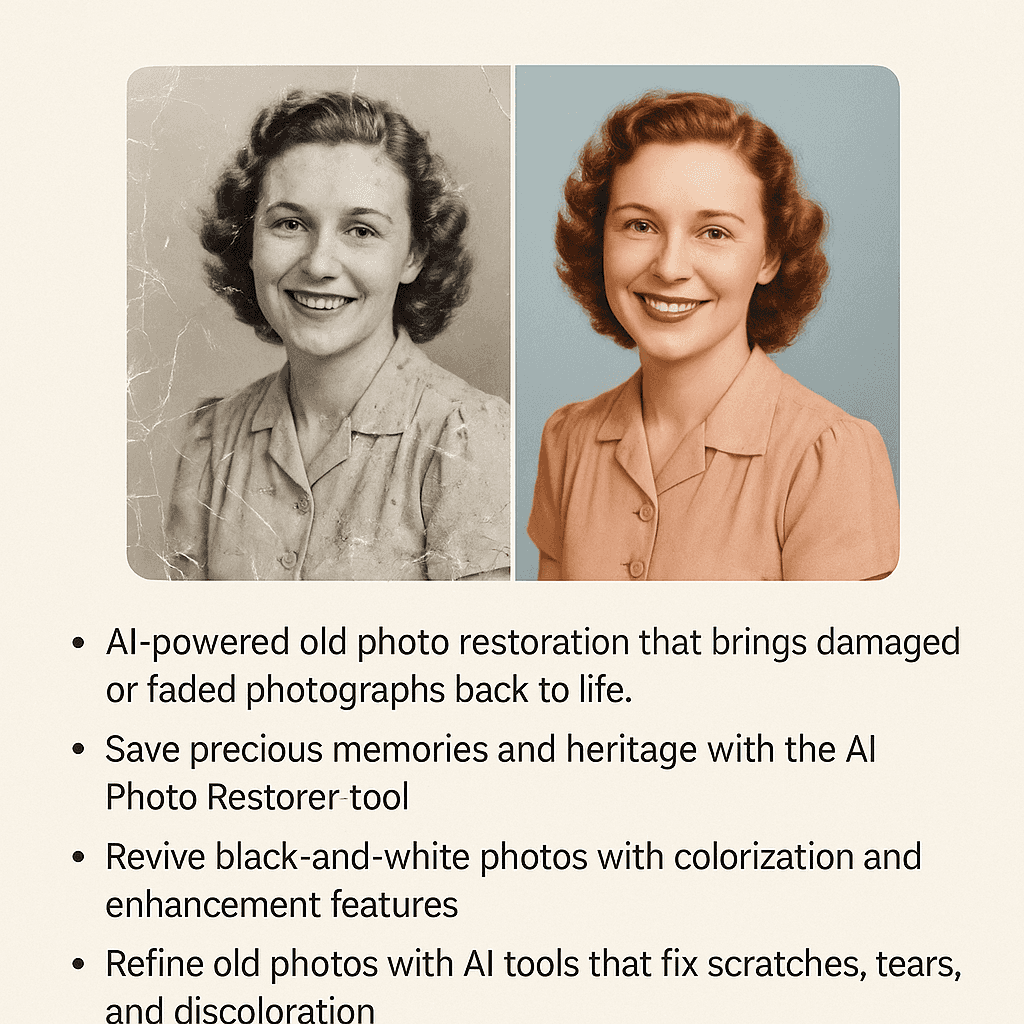
Restore old photos by improving aged or damaged pictures so they look cleaner, more complete, and easier to preserve. AI handles fading, scratches, stains, and crease lines automatically.
Restore Old Photos Affected by Age
When you restore old photos, the AI repairs fading, scratches, stains, crease lines, weak contrast, and other signs of age that build up over time in prints, scanned family images, and keepsake photos.
Restore Old Photos from Family Albums
Restore old photos from family albums, scanned prints, portraits, and memory pictures that no longer look complete because of time, storage conditions, paper wear, or repeated handling over the years.
Restore Old Photos While Keeping Details Natural
When you restore old photos, the goal is to keep faces, textures, clothing, and historical details looking natural instead of over-smoothed, over-sharpened, or artificially rebuilt by the restoration process.
Why Choose Our Restore Old Photos Tool
Our restore old photos tool combines advanced AI technology with ease of use to bring your old photos back to life in seconds.
Restore Your Old Photos in 4 Simple Steps
Restore your old photos in just a few simple steps with our advanced AI — no editing skills required.
Step 1: Upload Your Old Photo
Choose the old, damaged, or faded photo you want to restore and upload it from your device. We support JPEG, PNG, WebP, and scanned images — for best results upload the highest-resolution original you have.
Step 2: AI Damage Analysis
Our advanced AI scans the image to detect common issues such as scratches, tears, dust, color fading, and blur. The analysis creates a restoration plan so the repair is targeted and preserves the photo's original content.
Step 3: Automatic Restoration
The AI automatically applies restoration: it removes scratches and stains, repairs creases and tears, recovers lost detail, corrects exposure and contrast, and optionally colorizes black-and-white photos with natural tones — all in seconds.
Step 4: Download Restored Photo
Preview the restored image with a before/after slider to compare results. If you're satisfied, download the final photo in high-quality formats (JPEG, PNG, or WebP) and keep a backup of the original file.
Everything You Need to Restore Old Photos
A complete set of AI-powered tools to restore old photos — repair fading, scratches, stains, crease marks, tears, and age-related wear on old family photos, scanned prints, and keepsake pictures.
Restore Old Photos with AI
Restore old photos with AI in seconds. Automatically repairs fading, scratches, stains, crease marks, tears, and physical damage while preserving natural detail and the original character of your images.
Restore Old Photos — Scratch & Tear Repair
Remove scratches, crease marks, stains, and tears from scanned old photos. AI fills in damaged areas by analyzing surrounding textures for seamless repair when you restore old photos.
AI Photo Colorization
Bring old black-and-white photos to life with AI colorization that preserves natural skin tones, clothing colors, and period-appropriate hues with historical accuracy.
Restore Old Photos with Clarity & Detail Recovery
Restore visible detail in blurry or degraded old photos. AI improves clarity and recovers fine textures without making faces or backgrounds look artificial or over-processed.
Restore Old Photos Free — Try Before You Buy
Try restoring old photos online free — preview your results before committing. No account or credit card required to get started with the restore old photos workflow.
Restore Old Photos on Any Device
Restore old photos from your phone, tablet, or desktop browser. No app download or software installation needed — works in any modern browser on any device.
Frequently Asked Questions About Restore Old Photos
Answers to common questions about using AI to restore old photos online.
Restore Old Photos Today
Don't let your family memories fade away. Restore old photos in just seconds with our AI-powered tool. Start your free trial and bring your precious memories back to life.